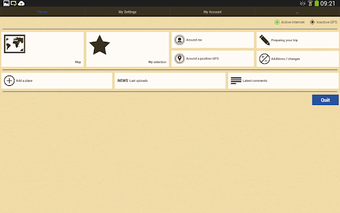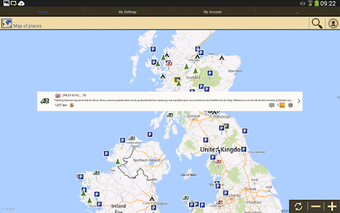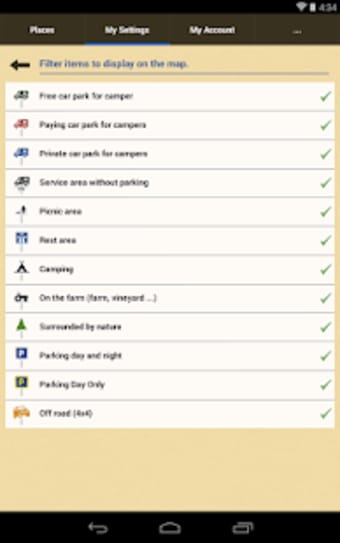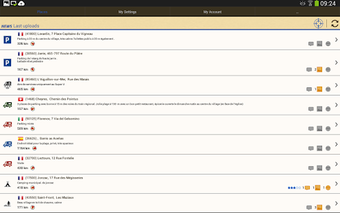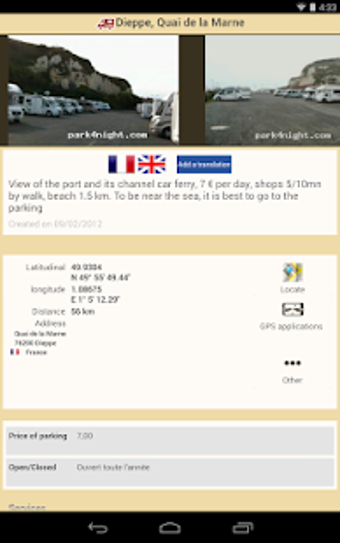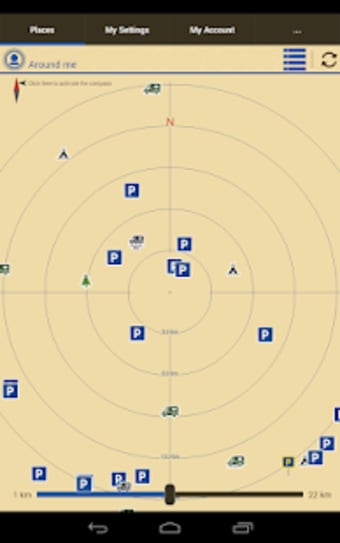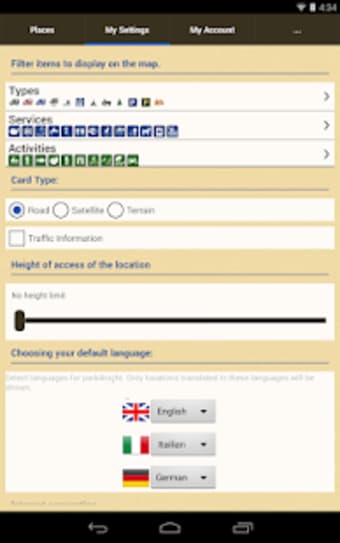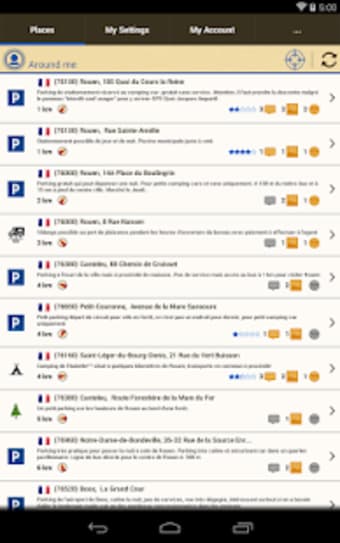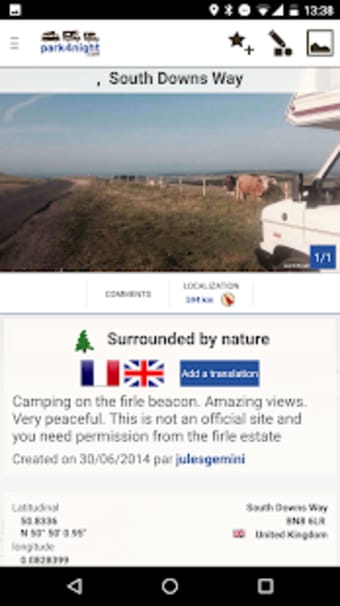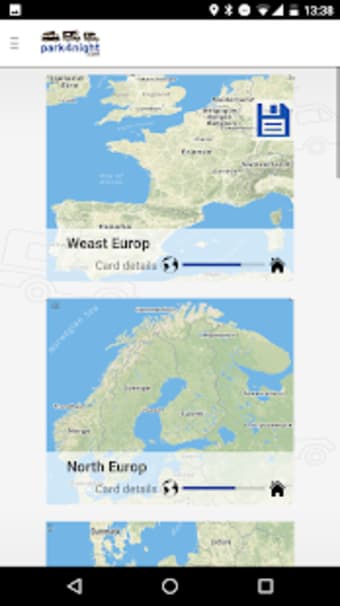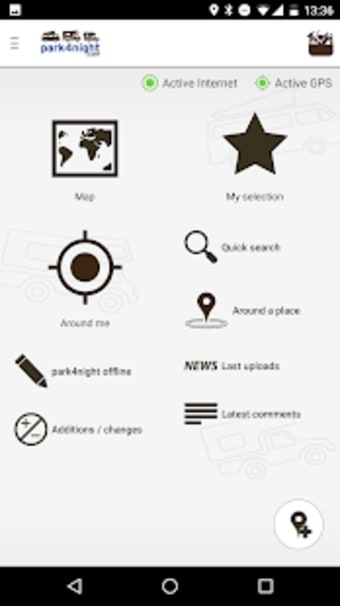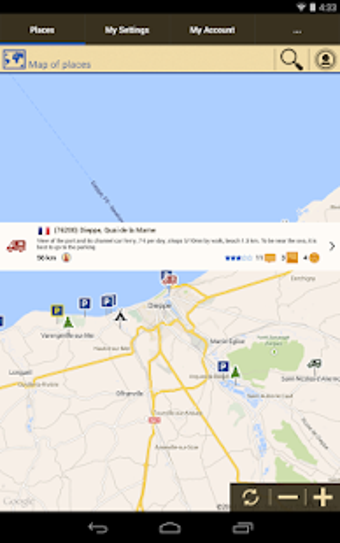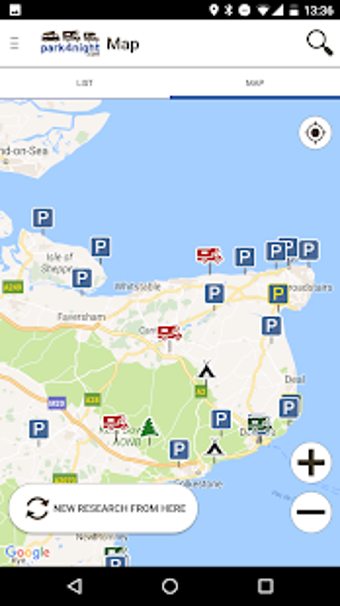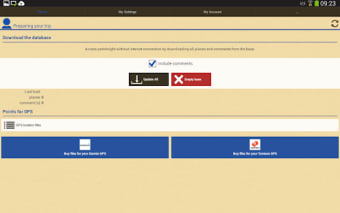
park4night is one of the best travel and navigation companions, especially for your road trip rides. Through this simple application, you'll be able to uncover tons of hidden places that are close to nature such as forests, beautiful views, parks, creeks, beaches, and so on.
Furthermore, you can also share travel spots that can give a sense of freedom and is yet to be discovered. This maps and GPS tool is completely free to download but a PRO version is offered as well. park4night can be an awesome alternative to Roadtrippers - Trip Planner and Waze.
How do I use park4night?
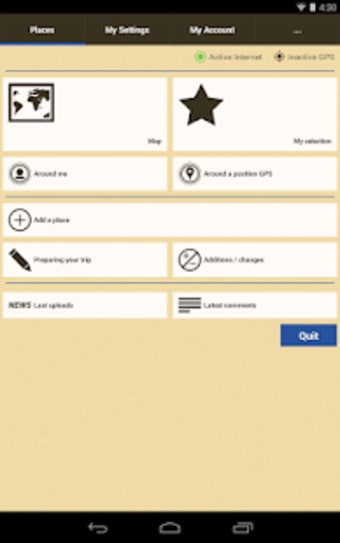
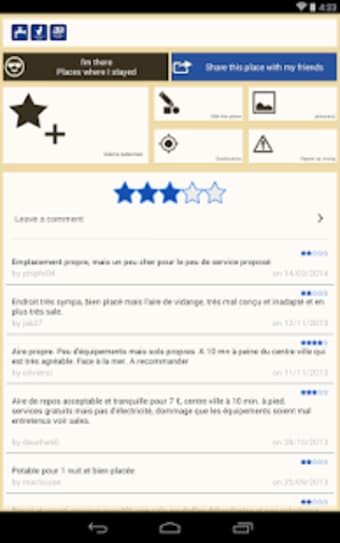
By simply tapping the 'Around me' button, all pitches that are near your surroundings will be displayed right after you determine your desired location. Thanks to park4night's hyper-active community of users, it can present more than 140,000 pitches worldwide. Any registered app user that wants to share and recommend a place to other campers can add a pitch with ease.
There are many advantages if you subscribe to its PRO version. For instance, you will enjoy an ad-free navigation experience. Not only that you can also search for pitches along a route that is not possible to do with an unsubscribed account. With this travel buddy app, you will meet a lot of campers that you could talk to about your road trip interests and experiences.
However, this tool also exhibits a fair share of drawbacks. You will encounter some bugs that can affect your navigation experience all throughout the app. Unfortunately, it offers no option to save places or create custom lists other than in one list called favorites. On top of that, its 'find on route' feature is poorly designed and can't be utilized at all.
Promising but requires overhaul
All thanks to its community users, who provide tons of must-visit places, park4night can still function as a travel companion for campers. Although, it should consider improving its overall performance in order to give its subscribers the most excellent service that they deserve. If you don't have any patience to deal with bugs, it is more recommended for you to check out Roadtrippers - Trip Planner.
Pros
Companion app for your road trip rides
Community users share little-known and undicovered places
Before downloading, you can take a quick look at the permissions this app may request on your device. App permissions allow certain features to work properly, such as accessing your camera to take photos, your location for maps, or your storage to save files.

In this section, you’ll find a clear and simple overview of the types of permissions the app uses, grouped by their level of sensitivity, along with a visual breakdown to help you understand them at a glance. This way, you can see how the app interacts with your device and decide to download with confidence.
Permissions types
Standard
47%
Non-standard
7%
Sensitive
47%
Permissions distribution
Privacy
33%
Data collected
33%
Data shared
33%
Data safety info
Privacy
5 permissions
Permissions that allow the app to access personal or sensitive information stored on your device, such as location, contacts, camera, or microphone.
android.permission.FOREGROUND_SERVICE
Standard
android.permission.READ_PHONE_STATE
Sensitive
android.permission.VIBRATE
Standard
android.permission.WAKE_LOCK
Standard
android.permission.RECEIVE_BOOT_COMPLETED
Standard
Data collected
5 permissions
Information the app may gather from your device or usage activity to enable features, personalize content, and improve overall performance.
android.permission.ACCESS_COARSE_LOCATION
Sensitive
android.permission.ACCESS_FINE_LOCATION
Sensitive
android.permission.ACCESS_NETWORK_STATE
Standard
android.permission.ACCESS_WIFI_STATE
Standard
android.permission.READ_EXTERNAL_STORAGE
Sensitive
Data shared
5 permissions
Information that may be shared with trusted third parties to provide services, support app functionality, or deliver relevant content.
android.permission.FOREGROUND_SERVICE_DATA_SYNC
Non-standard
android.permission.INTERNET
Standard
android.permission.CALL_PHONE
Sensitive
android.permission.POST_NOTIFICATIONS
Sensitive
android.permission.WRITE_EXTERNAL_STORAGE
Sensitive
This report summarises the permissions declared by the app at the time of scanning and groups them into Privacy, Data collected and Data shared. A declared permission shows what the app can access, it does not necessarily mean personal data is collected or transmitted. For full details check the app’s privacy policy and the developer’s clarifications shown below. Softonic generates this report automatically from the package metadata; it is informational and not a substitute for a full security or privacy audit.
Laws concerning the use of this software vary from country to country. We do not encourage or condone the use of this program if it is in violation of these laws. Softonic may receive a referral fee if you click or buy any of the products featured here.